
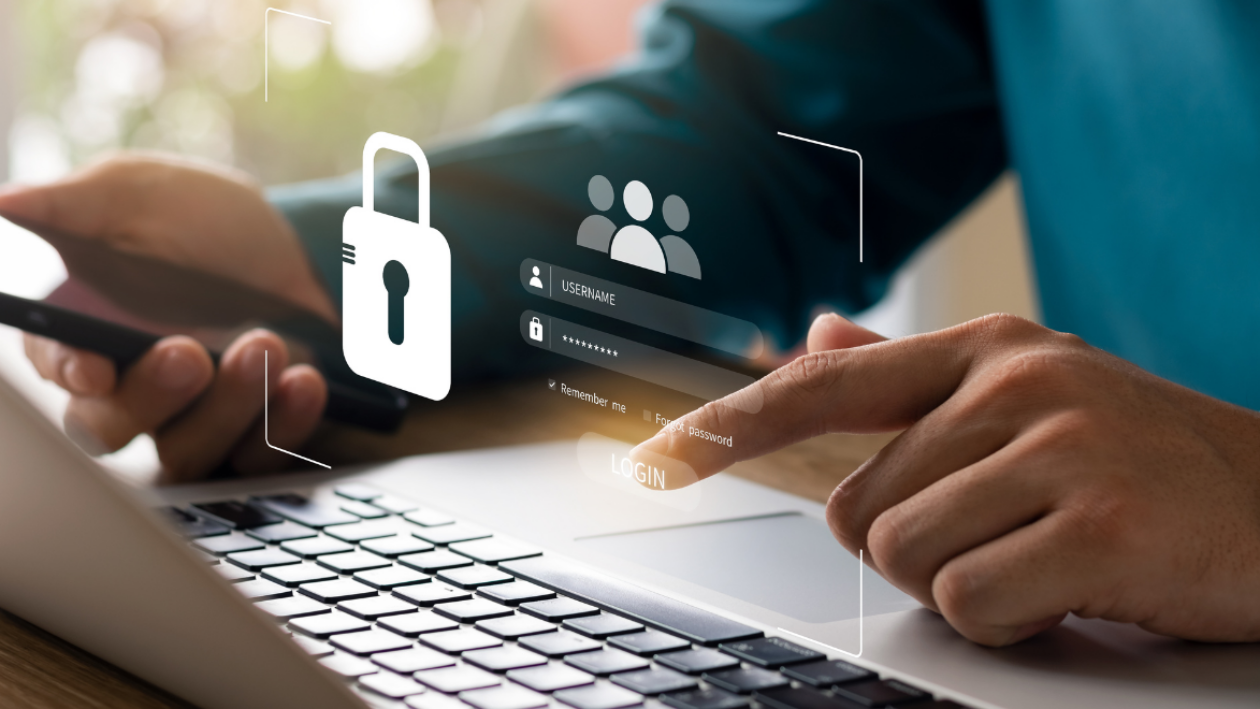
Data Privacy Day (today) is a great reminder and opportunity to look at ways of protecting your personal information.
The Hub’s IT team has five simple tips to share on protecting your data:
1. Use strong and unique passwords for each of your online accounts
Password managers are a great way to help you keep track and manage all your passwords.
At the Hub, we use both LastPass and Bitwarden (open-source) to manage ours.
2. Consider using multi-factor authentication (MFA) on all important accounts
You probably already do this for Office365 and Atamis but what about your banking or social media accounts?
At the hub, we enforce MFA at every opportunity.
3. Be cautious about sharing your personal information online
Now is a great time to review the privacy settings on your social media – are you sharing more than you should?
4. Look out for phishing scams
Be wary of receiving emails that ‘look’ legitimate but are not. Look for spelling mistakes and hover over links (without clicking) to see where they are leading.
At the Hub, we run fake phishing scams to help educate our users on what to spot.
5. Secure your devices
Where possible use passwords, PINs and biometrics to lock your devices.
Our golden rule: always lock your computer with Windows key + L before leaving it unattended.
A quick recap
Below is a visual reminder, in a nutshell, of these simple data privacy tips: